![How to Download Instagram Videos on iPhone, Android & PC [2026]](/uploads/blogs/1791276895_how-to-download-instagram-videos.webp "How to Download Instagram Videos on iPhone, Android & PC [2026]")
Instagram
How to Download Instagram Videos on iPhone, Android & PC [20...
Learn how to download Instagram videos and Reels on iPhone, Android, Windows, and Mac using a s...
Read Full Guide →Download supported public YouTube videos online in available HD formats. Fast browser-based YouTube video downloader with no software required.
 YouTube
 Facebook
 Instagram
 TikTok
 Twitter / X
 Vimeo
Vimeo
YouTube pages can include standard videos, Shorts, and public live-stream replays after processing.
Unlike a generic file URL, a YouTube page can change its media response according to post type, creator settings, region, and processing status. Solution Hub therefore reports only the public resources detected for the submitted youtube.com address instead of promising the same choices for every post.
Use watch URLs, youtu.be share links, and public Shorts URLs. Playlist pages are not treated as a promise of bulk access.
Before submitting a YouTube link, check that the browser address belongs to youtube.com or an official share domain described above. Open it in a private window to confirm that it does not depend on your signed-in session. Copied tracking parameters can usually remain, but the underlying post must still resolve publicly.
Public videos and Shorts may expose combined or separate audio and video streams.
YouTube frequently serves higher resolutions as separate video and audio tracks. A prepared combined result may take longer than a lower-resolution progressive MP4.
The displayed resolution depends on the uploaded master and YouTube transcodes. Private, members-only, rented, age-restricted, and region-blocked videos may not be accessible.
A result from YouTube reflects the source response at that moment. Creator privacy changes, removal, regional rules, unfinished processing, or delivery updates can change what is available later. If no usable option appears, do not install an unrelated extension or provide account credentials to bypass that limitation.
Open YouTube and navigate to the public video you are authorized to use. Use the platform's share menu and choose Copy Link. Return to Solution Hub, paste the complete URL into the field near the top of this page, and start analysis. The analyzer checks the host, requests public metadata, and lists the formats it can detect.
Review the title and thumbnail to confirm that the correct media was found. Choose a format according to your device, connection, and storage space. A higher resolution can look sharper on a large display but usually produces a larger file. A lower resolution is often more practical for messaging, limited mobile data, or a small screen. Use any detected file responsibly and only when you have permission.
MP4 is commonly offered because it works in modern browsers, gallery apps, media players, and editing software. The exact codec inside an MP4 file can still vary. Older devices may play H.264 more reliably, while newer hardware may support efficient codecs. If a downloaded file does not open in one application, try an updated browser or media player before assuming the file is damaged.
Resolution labels such as 360p, 480p, 720p, or 1080p describe the frame height, not a guaranteed level of visual detail. The original bitrate, compression, frame rate, and source quality also matter. Audio-only results appear only when a usable audio stream is exposed. Solution Hub reports detected options rather than inventing formats or promising a resolution unavailable from YouTube.
On Android, downloaded files usually appear in the Downloads folder and may also become visible in the gallery after media scanning. Chrome, Firefox, Edge, and other current browsers can handle the workflow. If storage permission is requested, review the browser prompt carefully. Keeping enough free space prevents large HD files from failing near the end of a transfer.
On iPhone and iPad, Safari normally places files in the Downloads folder inside the Files app. From there, an authorized file can be previewed or moved to another folder. On Windows, macOS, and Linux, the browser's download tray shows progress and the destination. Browser settings can be changed to ask where each file should be saved.
Do not submit private, confidential, paywalled, or access-controlled URLs. A public-link tool should never ask for your YouTube password, session cookie, or account token. Keep account credentials only on the official platform. Treat unknown download files cautiously, use an updated operating system, and verify that the title and extension match the media you expected.
Downloading does not transfer copyright or permission. Save only material you created, public-domain media, content covered by an appropriate license, or media for which the owner gave you permission. Do not redistribute copyrighted work, remove attribution, bypass access controls, or use saved media to impersonate another person. Local law and the source platform's terms still apply.
Everything you need to know about downloading YouTube videos
Yes. The public-link analysis workflow runs in the browser. Available formats depend on the source.
No. Private, login-only, paid, restricted, or account-specific content is not supported.
Quality depends on the original upload and formats exposed by the platform. The tool cannot create missing quality.
Yes. Use a current browser. iPhone downloads normally appear in Files, while Android downloads normally appear in Downloads.
Check that it is a complete public URL, recopy it from the official share menu, and confirm it opens in a private browser window.
Only use content you own or have permission to save, and follow applicable law and the platform terms.
Learn how to download videos, reels, and stories with original audio and HD quality
Learn how to download Instagram videos and Reels on iPhone, Android, Windows, and Mac using a s...
Read Full Guide →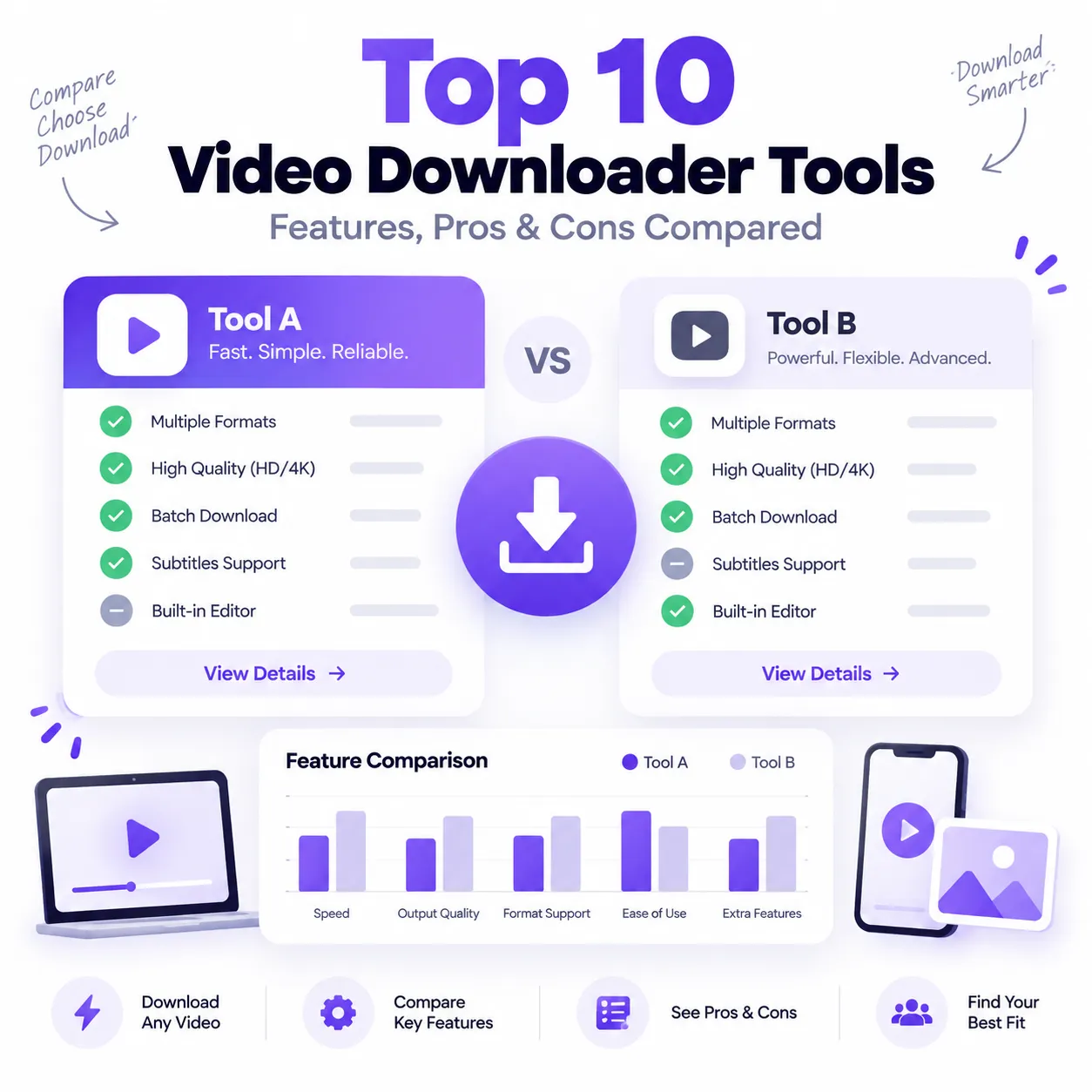
Compare the top 10 video downloader tools of 2026 by features, formats, device support, ease of...
Read Full Guide →![How to Download YouTube Videos From a Link [2026]](/uploads/blogs/1788765505_yt-video-dowload.png "How to Download YouTube Videos From a Link [2026]")
Have a YouTube video link and want to save the video for permitted offline use? You can copy th...
Read Full Guide →
Download TikTok videos without watermark in 1080p HD MP4. Free, fast online TikTok saver with o...
Read Full Guide →