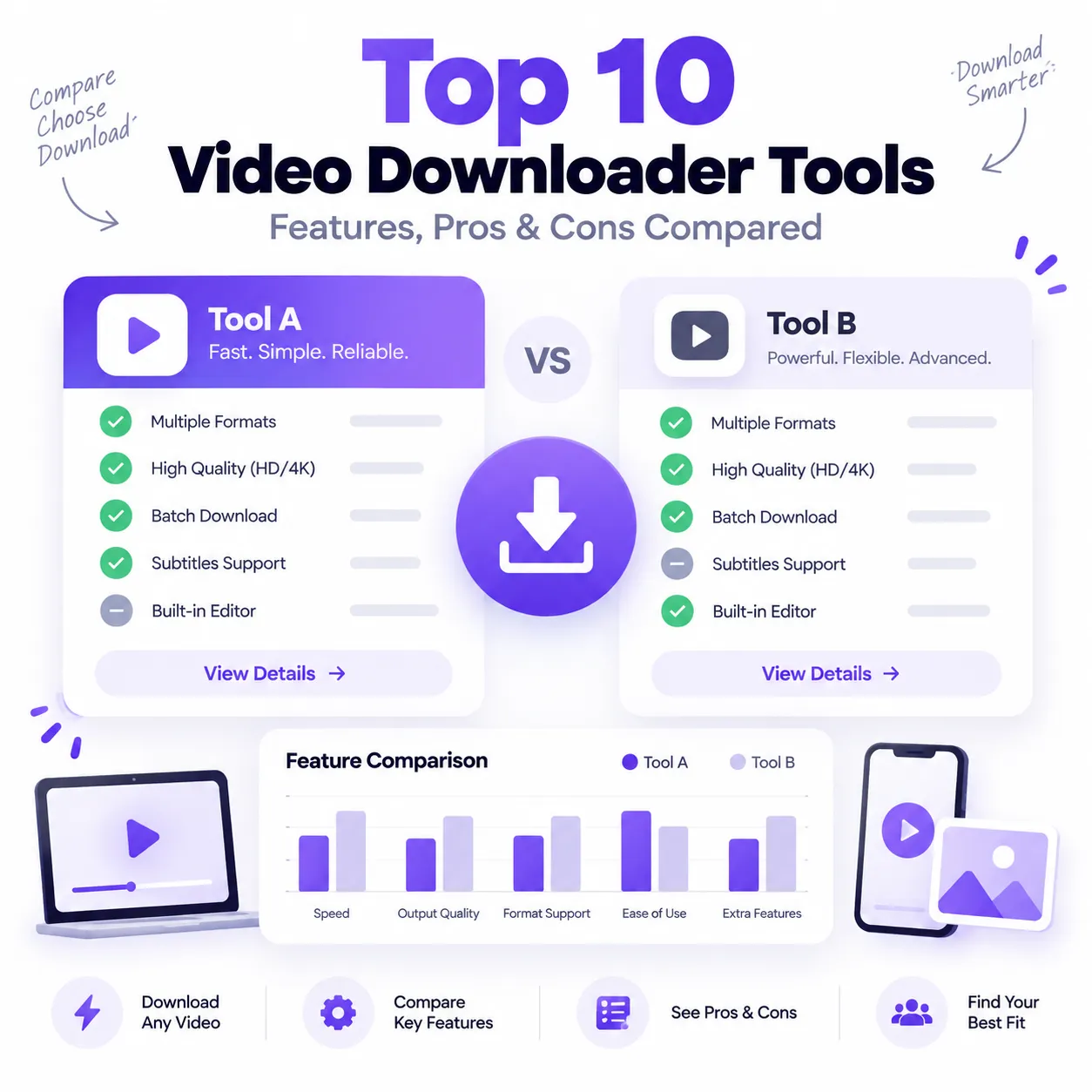
Online video downloader tools can look almost identical at first: copy a link, paste it into a box, choose a format, and save the file. In practice, however, they differ considerably in platform support, installation requirements, available formats, video quality, ease of use, ads, privacy approach, and advanced features.
Some tools work entirely in the browser, while others require desktop software or command-line knowledge. Some focus on a single platform such as Facebook, while others support links from multiple social networks.
This comparison looks at 10 video downloader tools available in 2026, including Solution Hub, Cobalt, 4K Video Downloader Plus, yt-dlp, Stacher, MediaHuman, ClipGrab, SnapSave, SaveClipX, and ReelDL.
The comparison is based on publicly documented features available at the time of writing rather than claiming identical hands-on benchmark testing for every service. Features can also change when video platforms update their delivery systems.
Quick Comparison of Video Downloader Tools
| Tool | Type | Main Strength | Installation |
| Solution Hub | Browser-based | Multi-platform public-link downloads | No |
| Cobalt | Browser-based | Minimal interface and simple link workflow | No |
| 4K Video Downloader Plus | Desktop app | High-resolution and playlist features | Yes |
| yt-dlp | Command line | Advanced control and broad extractor support | Yes |
| Stacher | Desktop GUI | Easier interface for yt-dlp | Yes |
| MediaHuman | Desktop app | Playlists, channels and high resolutions | Yes |
| ClipGrab | Desktop app | Simple downloading and conversion | Yes |
| SnapSave | Browser-based | Facebook-focused downloading | No |
| SaveClipX | Browser-based | Multi-platform plus extra media tools | No |
| ReelDL | Browser-based | TikTok, Instagram and YouTube focus | No |
The right option depends on whether you value simplicity, advanced control, mobile access, high-resolution downloads, or broader platform support.
1. Solution Hub
Solution Hub is a browser-based video utility built around a straightforward workflow: paste a supported public media URL, analyze the link, review the formats made available by the source, and select the option you need.
The website currently supports popular platforms including YouTube, Facebook, Instagram, TikTok, Twitter/X, Vimeo, and others. It works without a normal account registration process or desktop software installation.
One of the useful differences is that Solution Hub does not promise the same quality for every video. Instead, it displays formats and resolutions detected from the original source. This is technically more accurate because a downloader cannot create genuine 4K detail from a video that was only uploaded in a lower resolution.
Users who need a specific platform can go directly to the YouTube Video Downloader, Facebook Video Downloader, Instagram Video Downloader, TikTok Video Downloader, or Twitter Video Downloader.
Pros
- Works directly in a browser
- No standard account registration required
- Supports multiple social platforms
- Offers video and audio options when available
- Suitable for mobile and desktop browsers
- Does not add its own watermark to downloaded media
- Focuses on publicly accessible links
Cons
- Available resolution depends on the original source
- Private, paid, members-only, or restricted links are not supported
- Browser-based workflows provide less advanced automation than command-line software
For users who simply want a public-link workflow without installing a desktop program, Solution Hub is designed around that type of use.
2. Cobalt
Cobalt takes a minimalist approach to video downloading. Its interface centers on a link field with a paste-and-download workflow rather than presenting users with a large collection of menus.
The service runs in the browser and lists supported services directly through its interface. It also includes settings and a remux option for supported media workflows.
- Clean and minimal interface
- Browser-based
- No large desktop application required
- Useful for users who prefer fewer steps
- Provides settings beyond a basic download button
- JavaScript is required for normal functionality
- Not designed around the same advanced library-management features as desktop apps
- Platform availability can change when source websites update
Cobalt can appeal to users who mainly want a simple interface rather than a large suite of media-management features.
3. 4K Video Downloader Plus
4K Video Downloader Plus differs from online tools because it is a dedicated desktop application.
Its current feature set includes downloading individual videos, playlists and channels, subtitle support, audio extraction, Smart Mode presets, and resolutions that can extend to 4K or 8K when those qualities are genuinely available from the source. It is available for supported Windows, macOS and Ubuntu systems.
- Supports high-resolution video where available
- Can process playlists and channels
- Subtitle downloading
- Audio extraction
- Smart Mode can simplify repeated settings
- Better suited to larger desktop workflows
- Requires software installation
- Some capabilities are tied to paid plans
- More features than necessary for someone downloading a single public link
- Desktop workflow is less convenient for quick mobile use
It is more suitable for users who regularly manage multiple files than someone who only wants an occasional browser-based download.
4. yt-dlp
yt-dlp is one of the most technically capable options in this comparison, but it has a very different audience.
It is primarily a command-line audio and video downloader. Its documentation provides extensive controls for selecting formats, resolutions, codecs, file sizes, subtitles and output containers. It includes a large collection of site extractors, although its own documentation correctly warns that individual sites can stop working whenever those websites change.
Higher-quality sources may provide separate audio and video streams, in which case FFmpeg can be required to merge them.
- Extremely flexible format selection
- Broad extractor ecosystem
- Open-source
- Supports advanced filters and automation
- Useful for technical users and scripted workflows
- Can work with subtitles and multiple output formats
- Command-line interface has a learning curve
- FFmpeg may be needed for some higher-quality media
- Requires installation and maintenance
- Less beginner-friendly than a paste-and-download website
yt-dlp is powerful, but that power comes with complexity. It is usually a better fit for advanced users than someone who just wants a quick browser workflow.
5. Stacher
Stacher addresses one of yt-dlp's biggest usability barriers by providing a graphical desktop interface around it.
The software is available for Windows, macOS and Debian-based Linux distributions. Its public feature list includes a modern GUI, configuration management, shortcuts and more advanced controls for users who want them.
- Graphical interface for yt-dlp
- Easier for users uncomfortable with terminal commands
- Available across major desktop operating systems
- Offers advanced configuration options
- Core yt-dlp GUI functionality is free
- Desktop only
- Still requires local software installation
- Some premium convenience features require a subscription
- Underlying source compatibility can still change
Stacher sits between a simple online downloader and a command-line tool: it offers significant control without forcing users to memorize terminal commands.
6. MediaHuman Video Downloader
MediaHuman is another desktop-focused option with an emphasis on larger downloading workflows.
Its current software supports full playlists and channels, simultaneous downloads, audio extraction, multiple online platforms, and available video resolutions extending to 4K and 8K. The application is offered for Windows, macOS and Ubuntu.
Recent 2026 releases also show regular fixes for YouTube, Instagram, TikTok, Vimeo, Facebook and other platform changes, illustrating an important reality of this category: download tools need continual maintenance as source sites evolve.
- Playlist and channel support
- High-resolution options where available
- Supports multiple websites
- Audio extraction
- Simultaneous downloads
- Useful for repeated desktop workflows
- Requires installation
- Paid license is offered for the full product
- Larger application than necessary for one-off links
- Platform updates can temporarily affect functionality
MediaHuman is most relevant to users who frequently manage collections rather than occasional single-video downloads.
7. ClipGrab
ClipGrab is a free downloader and converter available for Windows, macOS and Linux.
According to its official website, it works with YouTube, Vimeo, Facebook and additional supported sites. It can convert downloaded files into formats including MPEG4, MP3, OGG Vorbis, OGG Theora and WMV, or retain certain original formats.
- Free desktop software
- Built-in format conversion
- Available on Windows, Mac and Linux
- Straightforward user interface
- Supports several well-known video sites
- Requires installation
- Mobile users cannot simply use it like a browser-based tool
- Interface and workflow are more traditional than newer web apps
- Platform support is narrower than some broad extractor-based tools
ClipGrab remains a practical option for users who want downloading and basic conversion inside one desktop application.
8. SnapSave
SnapSave specializes primarily in Facebook video downloading.
Its website offers a simple URL field and quality selection process and states support for browser-based use across mobile and desktop devices. SnapSave also explains that higher-quality Facebook media can sometimes involve separate video and audio streams that must be processed together.
- Strong focus on Facebook
- Browser-based
- Works on desktop and mobile
- Provides multiple quality choices where available
- No desktop software required
- Much more Facebook-focused than multi-platform tools
- Advertising is used to support the service
- Users working across several social platforms may need additional tools
- Available quality remains dependent on Facebook's source media
SnapSave makes sense when Facebook is the main platform involved, but users with links from several networks may prefer a broader multi-platform service.
9. SaveClipX
SaveClipX is a browser-based downloader that currently promotes support for a broad range of platforms including YouTube, TikTok, Instagram, Facebook, X, Reddit, Pinterest, Vimeo, LinkedIn, Snapchat and others.
Its site also extends beyond downloading into tools such as transcription, conversion, compression and other media utilities. It states that an account or app is not required for the normal web workflow.
- Broad platform coverage
- Browser-based
- Video and audio options
- No normal account requirement
- Additional tools beyond downloading
- Works across phones and desktop browsers
- The larger number of features may be unnecessary for users seeking only a simple downloader
- Public links are the primary supported use case
- Individual platform compatibility can change
- Some users may prefer a dedicated platform-specific interface
SaveClipX is closer to an all-purpose media toolkit than a single-function downloader.
10. ReelDL
ReelDL focuses heavily on short-form social content and currently highlights TikTok, Instagram Reels and YouTube.
Its public interface provides MP4 and audio options, browser-based access, mobile compatibility and no normal signup requirement. The website states that private videos are not supported.
- Simple browser interface
- Strong short-form video focus
- Works on mobile and desktop
- MP4 and audio options
- No app required
- No normal signup
- Primary focus is narrower than broad multi-platform tools
- Advertising supports the service
- Claims about quality still depend on what each original source provides
- Private media is not supported
ReelDL can be convenient for users whose workflow mostly involves TikTok, Reels and public YouTube content.
Browser-Based vs Desktop Video Downloaders
One of the biggest differences between these tools is not resolution or format—it is where the software runs.
Browser-Based Tools
Solution Hub, Cobalt, SnapSave, SaveClipX and ReelDL work primarily through a web browser.
This approach is useful when you want to:
- Avoid installing software
- Download on both mobile and desktop
- Process an occasional public link
- Use a simple copy-and-paste workflow
The trade-off is that browser tools generally offer less automation and bulk management than dedicated desktop software.
Desktop Applications
4K Video Downloader Plus, Stacher, MediaHuman and ClipGrab require local installation.
Desktop tools can make more sense when you need:
- Playlist processing
- Batch downloads
- Channel monitoring
- Subtitle management
- Repeated high-volume workflows
- Advanced format settings
The trade-off is setup, updates, disk usage and, in some cases, paid features.
Command-Line Tools
yt-dlp represents a third category.
It offers considerably more configuration than most browser tools, but users must be comfortable with commands, dependencies and troubleshooting.
What Should You Check Before Choosing a Video Downloader?
Do not choose a downloader only because its homepage says “HD,” “4K,” or “fast.”
A more useful comparison considers several factors.
Platform Support
Check whether the tool actually supports the network you use most frequently.
If your links regularly come from different social platforms, a multi-platform tool such as Solution Hub may reduce the need to switch between separate services.
Real Available Quality
A downloader cannot recover detail that was never present in the original upload.
A genuine 720p source cannot become true 4K simply because a download button displays “4K.” The best tools clearly distinguish source-provided quality from artificial claims.
Device Compatibility
Browser-based options are generally easier when switching between Android, iPhone, Windows and Mac.
Desktop applications are usually stronger when working repeatedly from one computer.
Installation Requirements
Avoid installing an application, extension or APK if the same job can be completed safely in your browser and you do not need the extra features.
Privacy and Login Requests
A public-link downloader should not need your social-media password simply to process a public video.
Be cautious if an unfamiliar service requests account credentials, session cookies, or unrelated permissions.
Which Type of Video Downloader Is Right for You?
There is no single tool that fits every workflow.
If you want a straightforward browser experience for publicly accessible media links across several popular platforms, start with Solution Hub.
If you need extensive command-line control and automation, yt-dlp provides far more configuration.
For playlists, channels and high-volume desktop workflows, 4K Video Downloader Plus or MediaHuman provide dedicated application features.
Stacher is useful when you want yt-dlp's capabilities with a graphical interface, while SnapSave is more specialized for Facebook.
The key is to choose based on your actual device, platform and workflow rather than simply picking the tool that makes the biggest quality claim.
Frequently Asked Questions
What is a video downloader?
A video downloader is a web tool, desktop application or command-line utility that reads supported media links and provides available files or formats that can be saved to a device.
Do online video downloaders require software?
Not always. Browser-based tools such as Solution Hub and Cobalt run through a website, while tools such as 4K Video Downloader Plus and MediaHuman require installation.
Can a video downloader turn any video into 4K?
No. True video quality depends on the original media and the versions provided by the source platform. Upscaling a low-resolution file does not recreate missing detail.
Are browser downloaders easier than desktop programs?
For occasional downloads, usually yes because there is nothing to install. Desktop software can be more useful for playlists, batch processing and advanced settings.
Can private videos be downloaded?
Many browser-based tools are designed only for public links. Private, paid, members-only, password-protected or otherwise restricted media should not be bypassed.
Can I download videos on my phone?
Browser-based downloaders generally work well on modern Android and iPhone browsers. The final file location depends on the operating system and browser.
Final Thoughts
The video downloader market in 2026 ranges from simple browser tools to advanced desktop and command-line applications.
Solution Hub focuses on an accessible public-link workflow across popular platforms, while Cobalt offers a minimalist browser experience. 4K Video Downloader Plus and MediaHuman target larger desktop workflows, yt-dlp provides extensive technical control, and Stacher makes that type of functionality easier to manage visually.
ClipGrab combines downloading with conversion, SnapSave specializes in Facebook, while SaveClipX and ReelDL provide browser-based alternatives with different platform focuses.
Whichever tool you use, choose formats that actually exist at the source and save only content you own, content available under an appropriate license, or media you have permission to download. Public availability does not automatically grant permission to redistribute copyrighted content.
Use Solution Hub
Paste a supported public link into the analyzer, review the formats detected from the source, and choose the option that fits your device. Solution Hub does not require an account for the basic link-analysis flow.
Open link analyzer ->