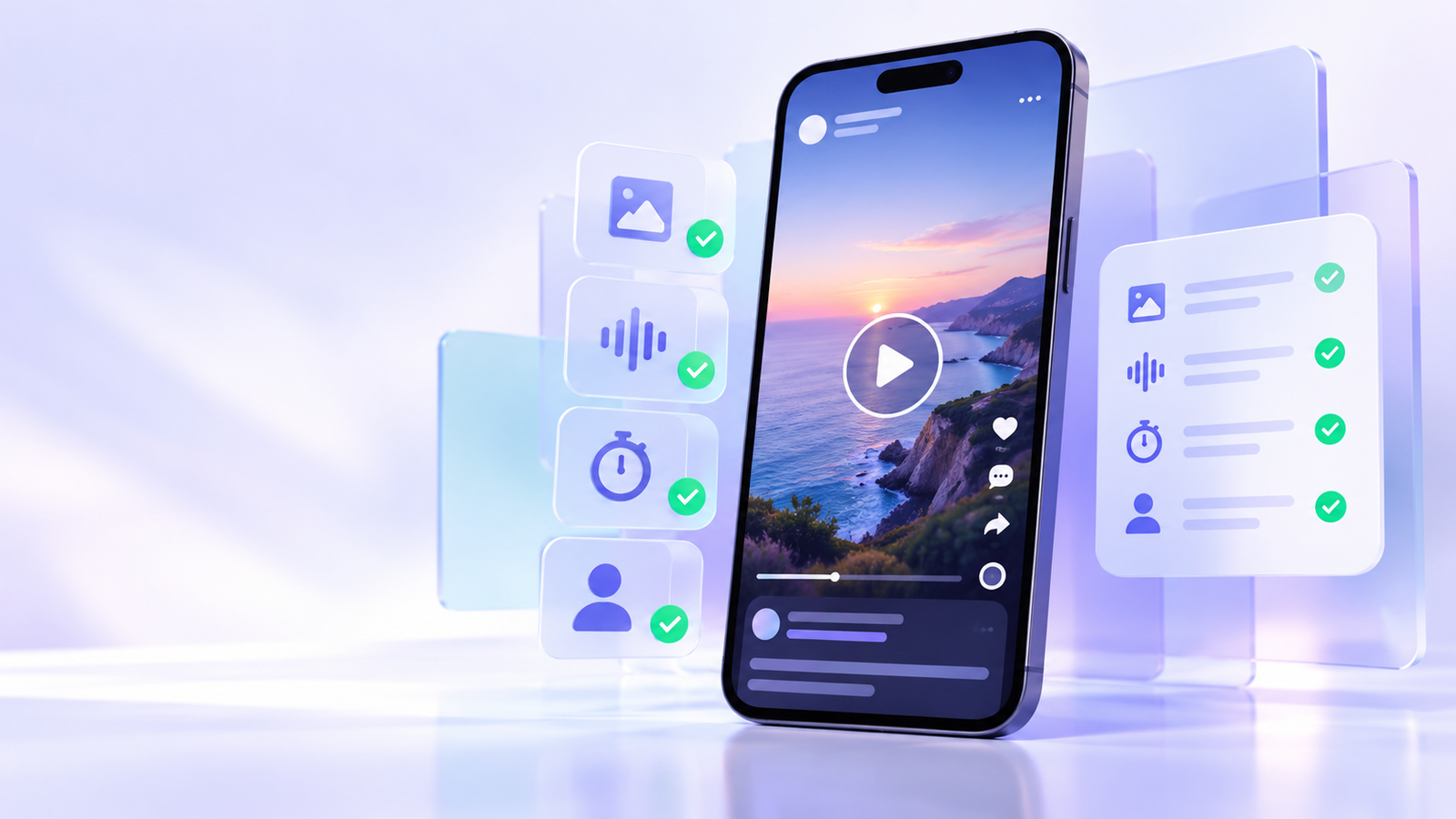
A Facebook Reel can look excellent in the feed yet feel different when watched later on another screen. Before you keep an authorised copy, recommend it to a friend, or use it as a reference, review the actual video rather than trusting a label such as “HD” or “MP4”. Picture detail, sound, portrait framing, file duration and creator context each affect whether the Reel remains useful.
This guide is for public material that you created, licensed, or have permission to use. A public URL does not automatically grant permission to repost, edit or use someone else’s Reel in a business project. When sharing is the goal, the original Facebook link is often the clearest option because it preserves the creator name, caption and conversation around the post.
Start with the individual public Reel link
Open the Reel itself and confirm that it plays without access restrictions. Copy the individual Reel or post address, not the profile page, a search result, a private-group link or a general Facebook feed. This makes it easier to identify the exact source later and avoids confusing one video with another from the same creator.
Before going further, note the creator name and the reason you are keeping the link. A simple filename or note such as “Creator-name — recipe demonstration — reference only” is much more useful than an anonymous file called “video-final-final.mp4”.
Facebook Reel review checklist
- Picture: pause on captions, faces, small products or fine detail. Check whether these remain sharp at normal viewing size.
- Framing: Reels are usually vertical. Confirm that the top and bottom edges are intact and that captions are not cropped.
- Sound: listen to a spoken section as well as a music section. Check volume, sync and whether the sound is needed for context.
- Duration: compare the opening and final seconds against the original Reel. A short or incomplete file is not a reliable reference.
- Context: preserve the source link and credit. Captions, disclosure notes and comments can change the meaning of a short clip.
Why an MP4 label is not a quality promise
MP4 describes a media container. It does not tell you the original resolution, bitrate, audio settings or whether a player will display orientation metadata correctly. Two MP4 files can look very different: one may be a sharp source export, while another has already passed through several rounds of compression.
The best test is playback on the device where the video will actually be viewed. On a phone, inspect caption-heavy moments; on a desktop, look for blockiness around moving hands, hair, text and gradients. If the file will be included in a presentation, test it in the presentation software before the event rather than seconds before it starts.
Choose the right action for the situation
| What you need | Best next step | Why it helps |
|---|---|---|
| Recommend a Reel to a friend | Share the original Facebook link | The creator, caption and latest version remain connected. |
| Keep a reference for your own work | Store the source link with a short note | You can return to the original context and verify it later. |
| Reuse a Reel in public content | Ask the creator for written permission first | Permission, scope and credit expectations are clear. |
| Show a Reel in a presentation | Test the authorised source on the target screen and audio system | You avoid surprises with orientation, volume or playback. |
Fix ordinary playback issues before assuming the video is broken
If a public Reel appears soft, stops early or plays without sound, first check the connection, browser or app updates, device storage and the original post. Try the original link on one other device. This distinguishes a local playback problem from a source that has changed or is no longer available. Do not try to bypass private, deleted, age-gated or region-restricted access controls.
When an authorised file is needed, keep one verified working copy and avoid repeated conversions. Each additional encoding pass may make lettering and fast movement look worse. For public-link guidance, see the Facebook video guide; for other supported sources, visit supported platforms.
Frequently asked questions
How do I know whether a Facebook Reel is public?
Open the individual Reel link in a normal browser session. If it requires a private-group membership, login, approval or another access control, treat it as non-public and do not attempt to work around that restriction.
Why does a Reel look different on my laptop than on my phone?
Screen size, player support, connection speed and the original upload all change how detail is perceived. Compare it at normal viewing size on the device that matters most.
Can I repost a public Reel?
Public visibility does not equal reuse permission. Share the original link unless you have permission from the rights holder for the new use.
Use Solution Hub
Paste a supported public link into the analyzer, review the formats detected from the source, and choose the option that fits your device. Solution Hub does not require an account for the basic link-analysis flow.
Open link analyzer ->